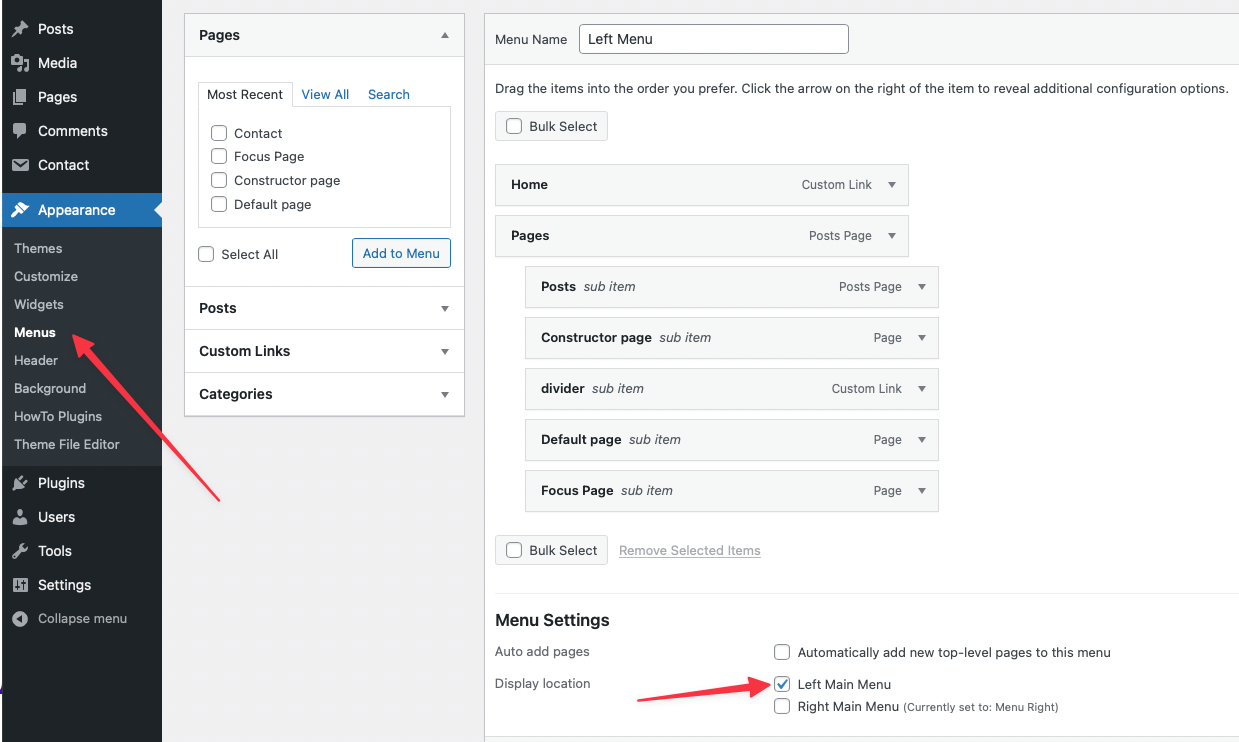
HowTo uses a standard WordPress menu system for navigation. To set up your menus, go to Appearance -> Menus. Please note that some items (i.e. posts) are hidden by default in the screen options so make sure you check them.
You simply need to create your menu and drag and drop the items you want to show. After the menu is created, you need to assign this menu to one of the available theme locations.
- Left Main Menu – this is a menu on the left side of the menu bar.
- Right Main Menu – this is a menu on the right side of the menu bar.
Item menu options
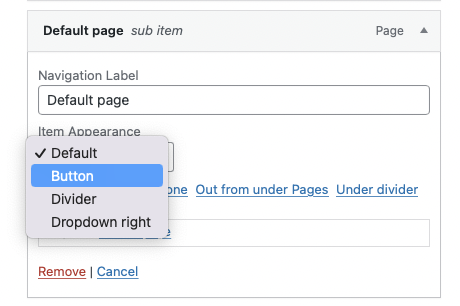
You can set how the menu item will show. The item menu has the next options:
- Default – show the menu as text.
- Button – item menu display as a button.
- Divider – item menu display as a line. It option uses for sub items.
- Dropdown right – this option for an item that has the sub items